Photogrammetry material: Irish Tree Bark 5 (Beech - shadow side) (8k) - JurandM
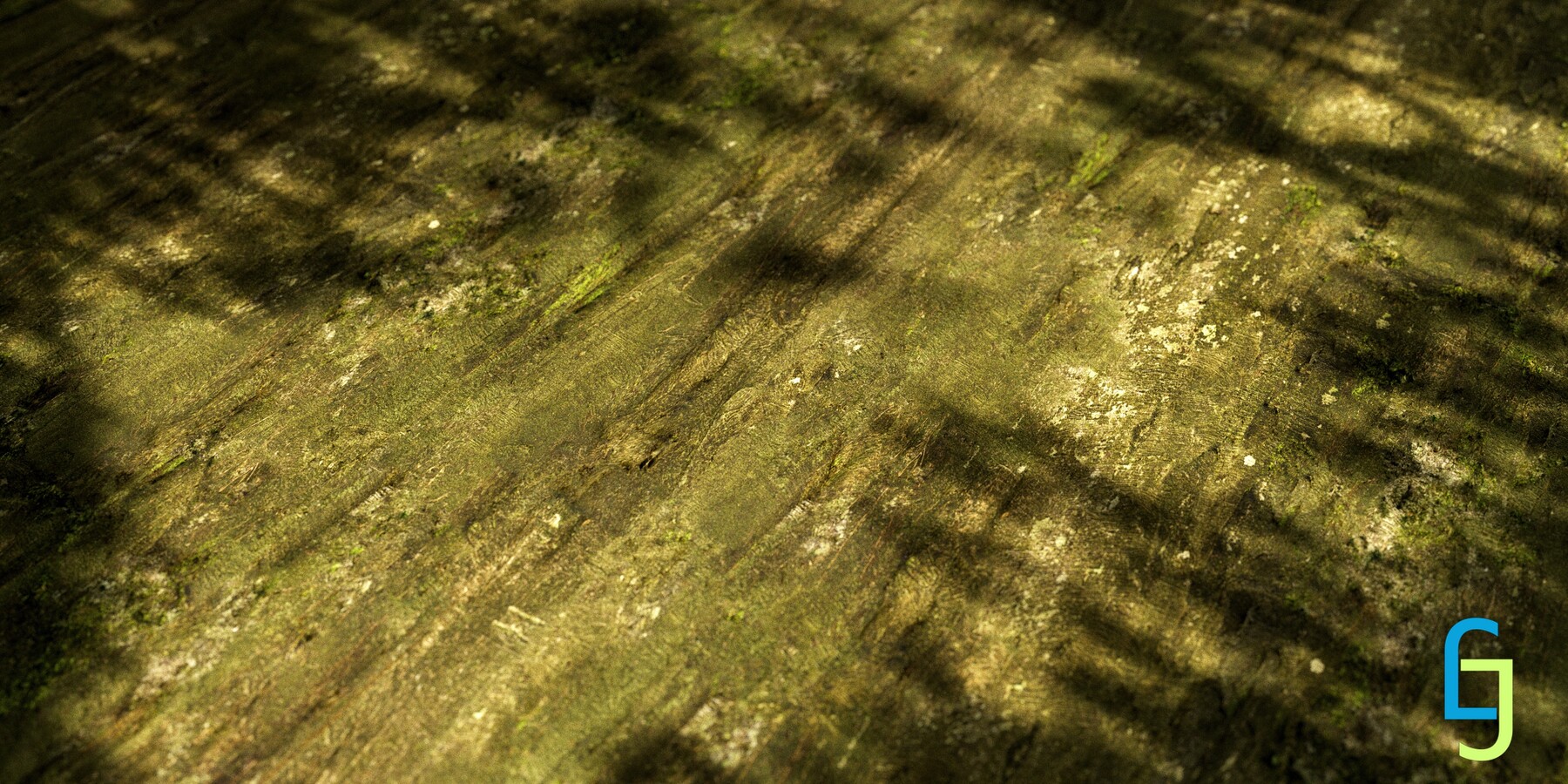
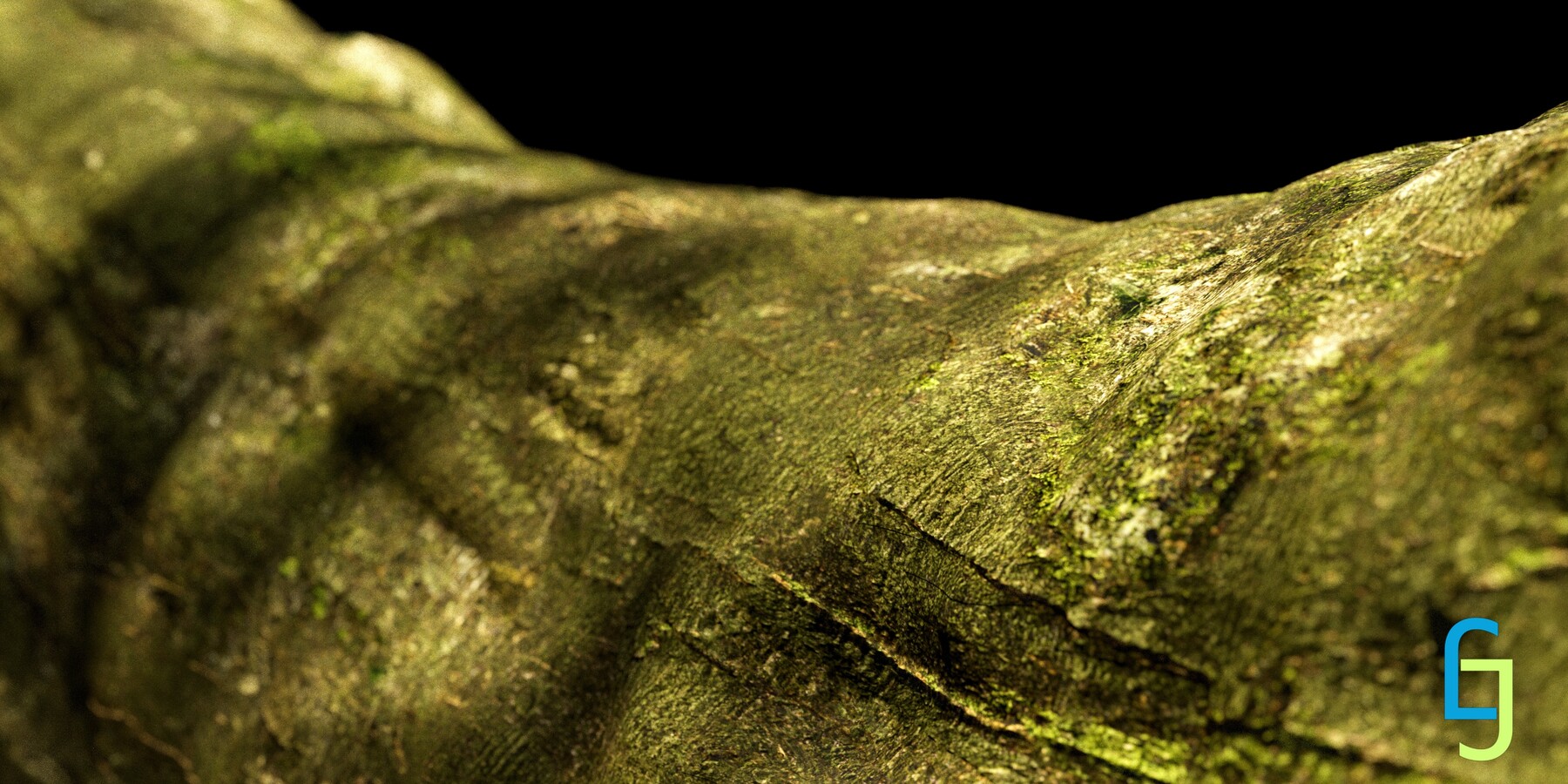
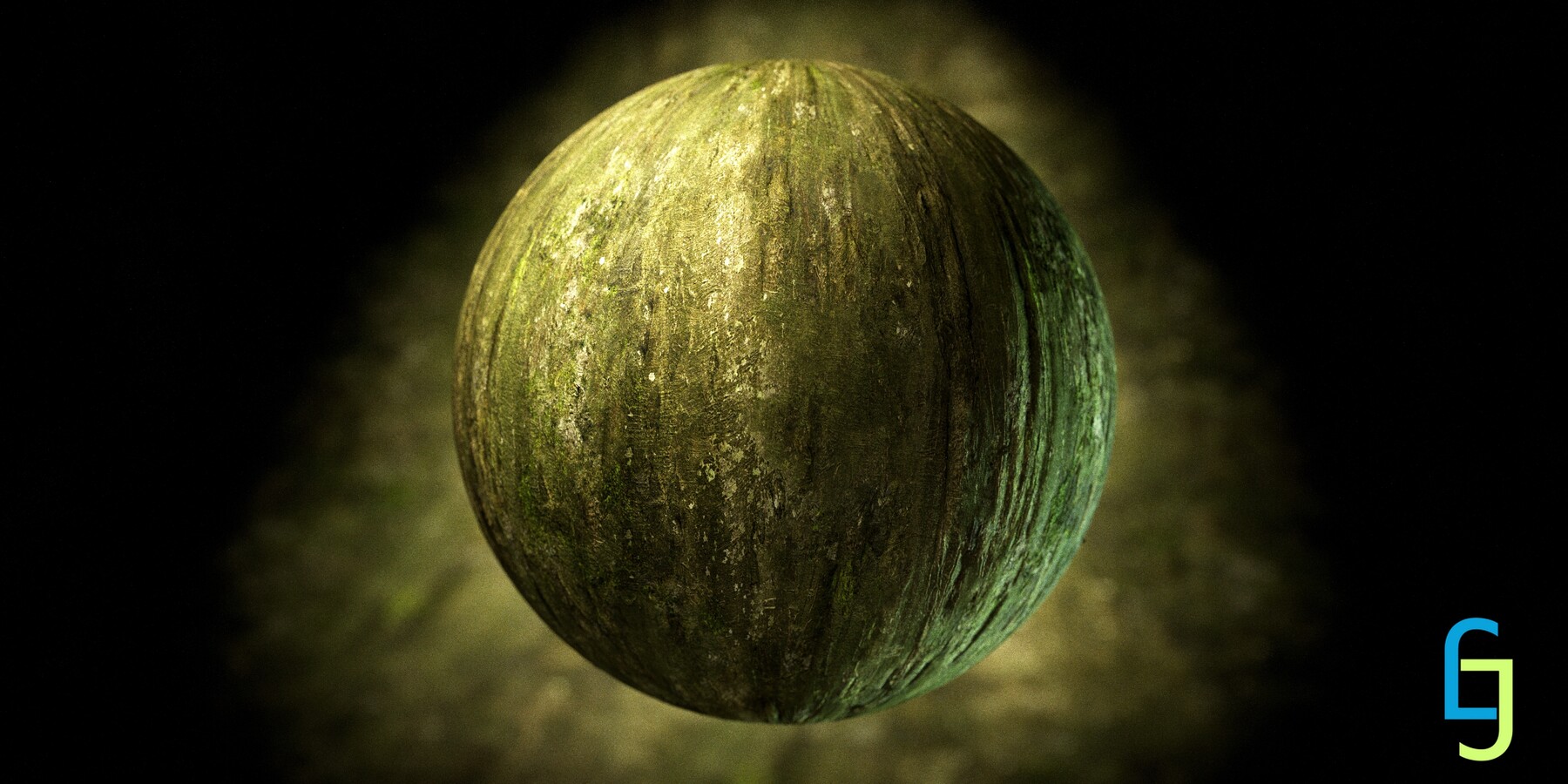
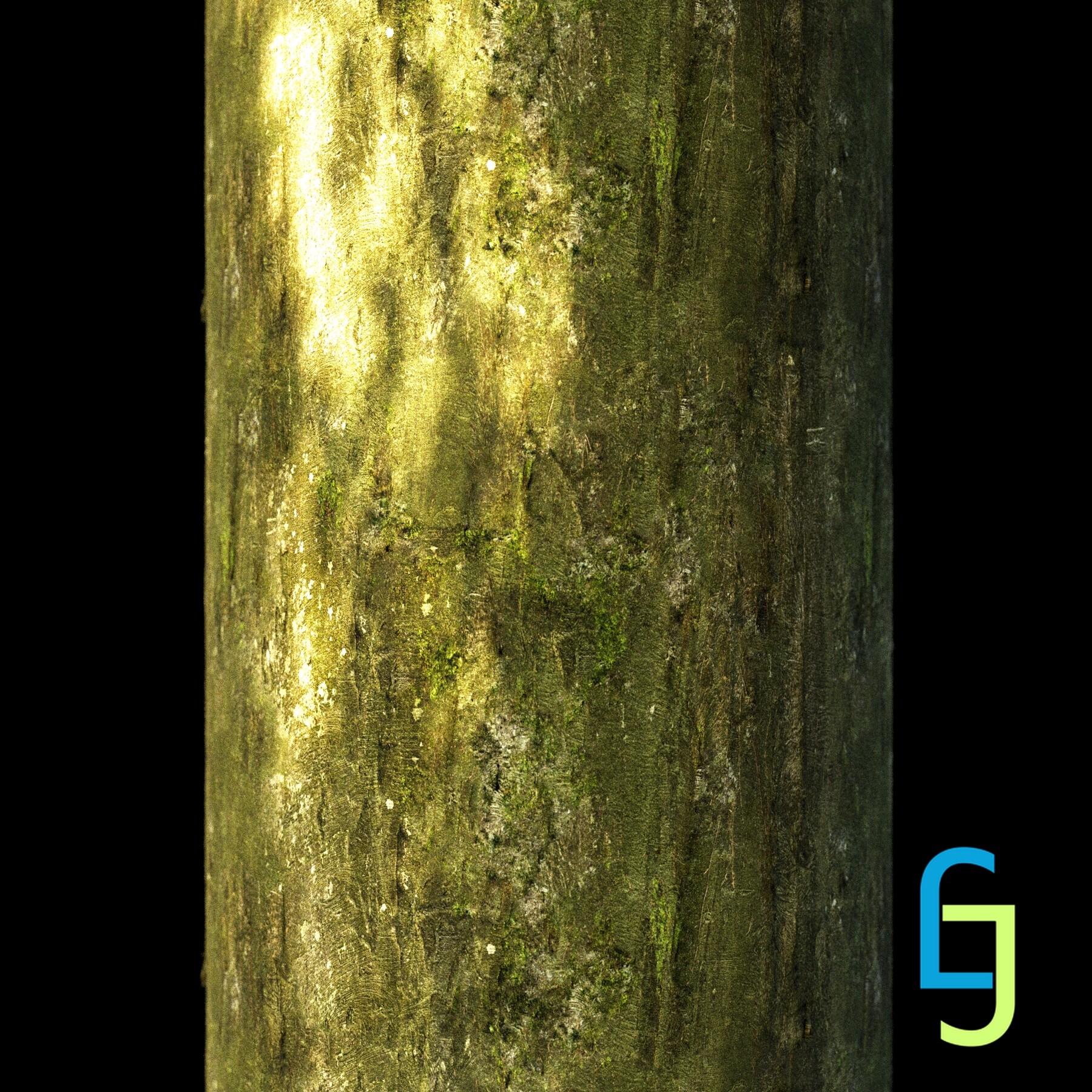
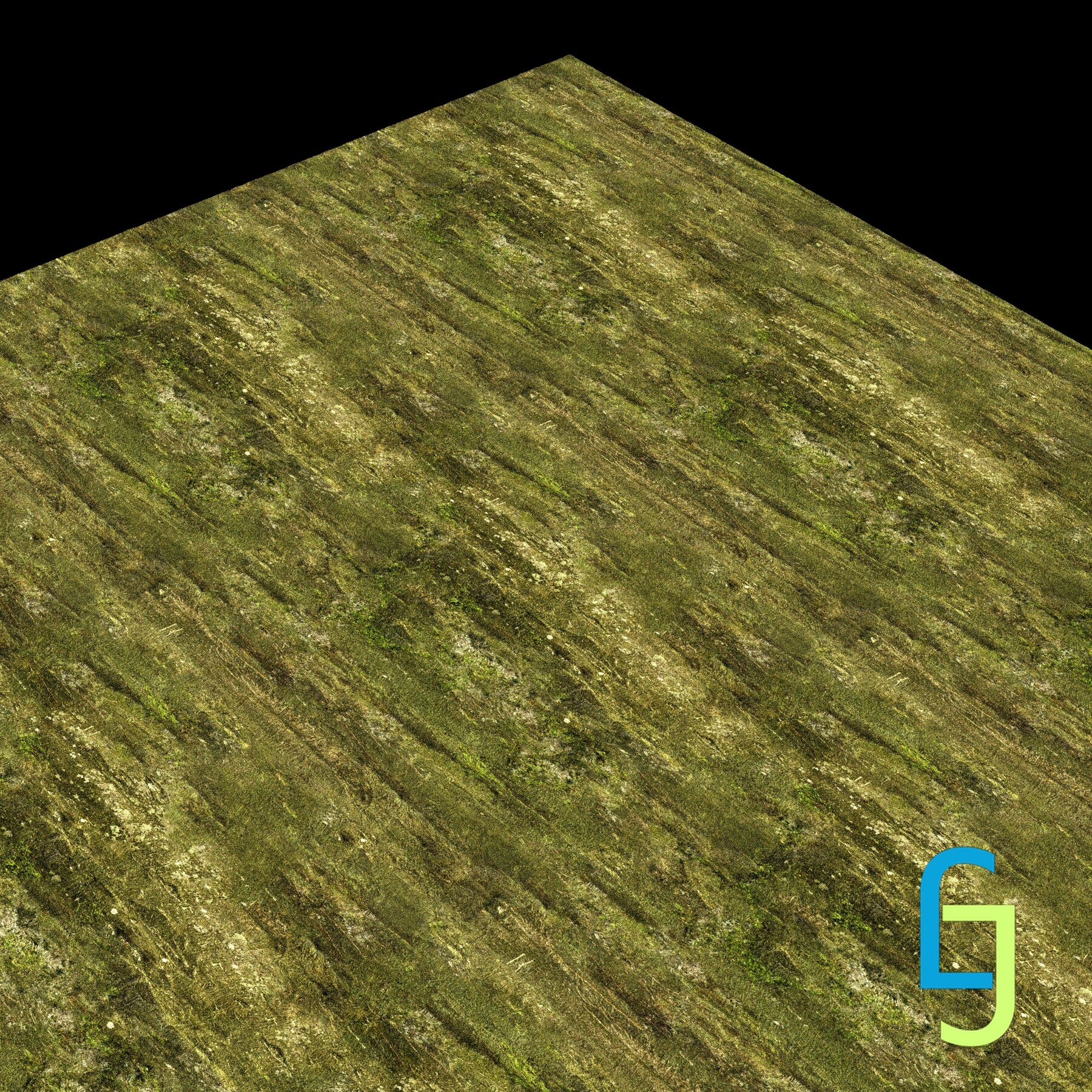

Welcome to our product page, where you can find a stunningly realistic replica of the Irish Beech Tree Bark. The tree was captured on the outskirts of the forest with heavy direct light from one side (the captured material comes from a permanently shadow-covered part of the tree). Captured area is around 1 x 1 m
By use of photogrammetry, it it was possible to achieved the utmost precision in recreating the source surface as Diffuse map is computed from high resolution DSLR camera pictures and normal and height map were created from computed geometry shape of surface thanks to triangulation process.
Package contain 1 variations of that surface as seam-free PBR 8k material in various sizes, formats and combinations of maps.
1k 2k 4k and 8k
PNG, TGA and TIFF: PNG and TGA in 8 bit format with dithering for Normal and Height map. And 16 bit tiff (Height map 16 bit float normalized and 32 bit float)
Standard maps: AO, BentNormal, Curvature, Diffuse, Height, Normal, Roughness, Thickness, Height,
Combo maps: AORC, AORT, AORTC, DiffuseGlossiness, DiffuseRoughness
AORC - Ambient occlusion + roughness + curvature (R+G+B)
AORT - Ambient occlusion + roughness + thickness (R+G+B)
AORTC - Ambient occlusion + roughness + thickness + curvature (R+G+B+A)
DiffuseGlossiness/Roughness - Diffuse map with additional Gloss/Rough map as alpha channel (RGB+A)PBR
8k, 4k, 2k, 1k
Seamfree
Extended commercial licence
Size: 1 x 1 m
CONTENT:
1,2,4,8k PNG: 8 bits png (AO, BentNormal, Curvature, Diffuse, Height, Normal, Roughness, Thickness, Height, AORC, AORT, AORTC, DiffuseGlossiness, DiffuseRoughness)
1,2,4,8k TGA: 8 bits tga (AO, BentNormal, Curvature, Diffuse, Height, Normal, Roughness, Thickness, Height, AORC, AORT, AORTC, DiffuseGlossiness, DiffuseRoughness)
1, 2, 4, 8k TIFF_FULL: 16 bit tiff (AO, BentNormal, Curvature, Diffuse, Height, Normal, Roughness, Thickness, Height, AORC, AORT, AORTC, DiffuseGlossiness, DiffuseRoughness), 32 bit tiff (Height)
Render of material in various scenes
Reference picture pack of surrounding
NOTES:
Normal map is set with an DirectX Y orientation. If you need OpenGL Y orientation, flip the green channel (from the RGB channels) in engine or invert the green channel (Control + I) in any image editor (Photoshop, GIMP, Kitra...).
More resources at: